





























How do you play Funny Cars?
- WASD or Arrow Keys - Drive
- Space - Start Game
- Enter - Pause or Resume
What are the controls for Funny Cars?
| Input | Action |
|---|---|
| WASD or Arrow Keys | drive |
| Space | start Game |
| Enter | pause or Resume |
Game details
- Genre
- Arcade, Racing & Cars
- Themes
- Car, Driving, Levels, Traffic
- Works on
- Computer with a keyboard
- Players
- 1 player
- Screen
- Plays best in landscape
- Added to Gamezylo
- Sep 27, 2026
- Published via
- GameMonetize (third-party developer)
From the developer
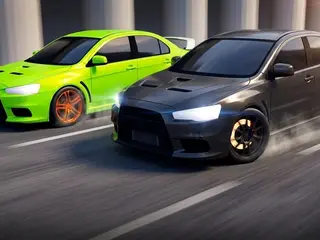
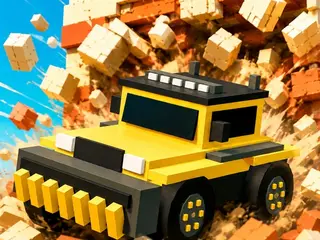
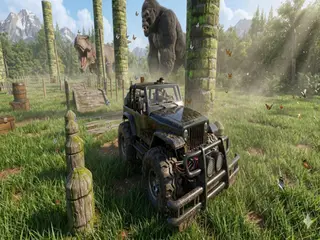
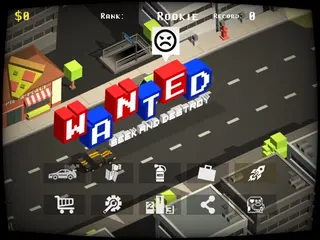
Get ready for a crazy driving adventure! Race through busy roads, avoid obstacles, dodge traffic, and survive increasingly difficult challenges. Funny Cars combines fast-paced arcade action, colorful visuals, and exciting gameplay for players of all ages. How far can you go without crashing?
Find more like this
Something wrong?
Game not loading or instructions wrong? Use the report page. The report is saved on your device; this site has no submission server. Loading the game connects to its provider; see the privacy note.
More arcade games with a guide
Each one has a how-to-play guide like this page.





More Arcade games






GOOD TO KNOW
Questions about Funny Cars
Is Funny Cars free to play?
Yes. Funny Cars is free on Gamezylo with no download and no sign-up. The game comes from a third-party publisher and may show its own ads inside the game.
Can you play Funny Cars on a phone or tablet?
It is best on a computer: the game lists keyboard controls (WASD or Arrow Keys, Space and Enter).
What are the controls for Funny Cars?
WASD or Arrow Keys: drive. Space: start Game. Enter: pause or Resume.
What games are like Funny Cars?
If you like Funny Cars, try Car modding contest, Ridge Racer 2D and Double Heist: Rob the Robbers. They are also arcade games on Gamezylo.