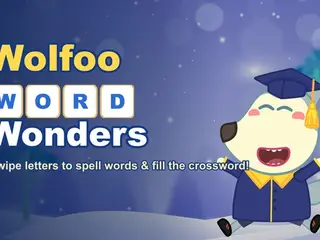



























How do you play Wolfoo Word Wonders?
- Mouse (desktop) or touch (mobile).
- Swipe/drag across the letters on the wheel to spell a word, then release to submit it.
- Tap the speaker icon to hear a word read aloud, and the light-bulb for a hint.
Game details
- Genre
- Puzzle, Brain & Math
- Themes
- Educational, Kid, Letters, Word
- Works on
- Phone, tablet and computer (touch, keyboard or mouse)
- Screen
- Plays best in landscape
- Added to Gamezylo
- Sep 27, 2026
- Published via
- GameMonetize (third-party developer)
From the developer
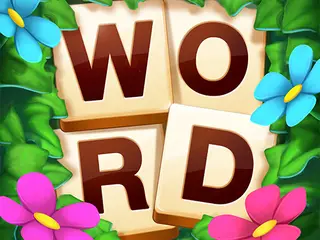
Wolfoo Word Wonders: swipe letters on the wheel to spell words and fill the crossword! 30 levels (Easy→Expert), hints, word audio, bonus words — a relaxed no-timer word game with Wolfoo. Free on desktop & mobile.
Find more like this
Something wrong?
Game not loading or instructions wrong? Use the report page. The report is saved on your device; this site has no submission server. Loading the game connects to its provider; see the privacy note.
More puzzle games with a guide
Each one has a how-to-play guide like this page.



More Puzzle games


GOOD TO KNOW
Questions about Wolfoo Word Wonders
Is Wolfoo Word Wonders free to play?
Yes. Wolfoo Word Wonders is free on Gamezylo with no download and no sign-up. The game comes from a third-party publisher and may show its own ads inside the game.
Can you play Wolfoo Word Wonders on a phone or tablet?
Yes. The game lists touch controls, so it works on phones and tablets; turn the screen sideways, it plays in landscape.
What games are like Wolfoo Word Wonders?
If you like Wolfoo Word Wonders, try Animal Word Search Quest, Unite Words and Word Master Puzzle. They are also puzzle games on Gamezylo.