










How do you play Mineblocks?
- Use the keyboard or touch to play
Game details
- Genre
- Quick games
- Themes
- Block, Dash, Kiz 10, Levels
- Works on
- Phone, tablet and computer (touch, keyboard or mouse)
- Players
- 1 player
- Screen
- Plays best in portrait
- Added to Gamezylo
- Sep 30, 2026
- Published via
- GameMonetize (third-party developer)
From the developer
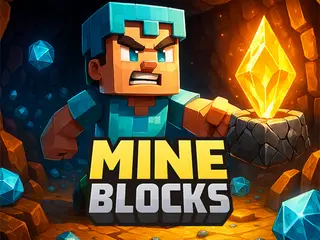
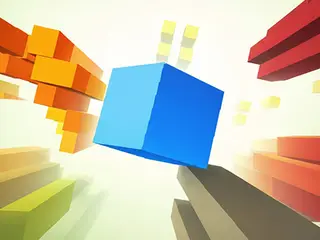
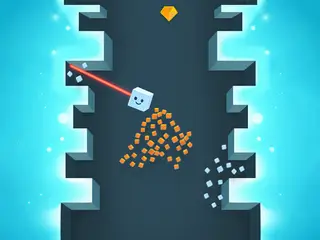
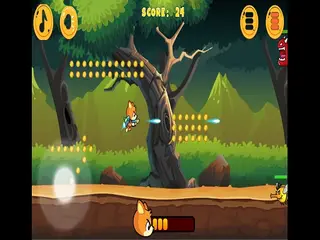
Mine Blocks is a 2D Minecraft caves game where you have to dash the blocks and complete the levels You can mine and craft in randomly generated worlds, collect diamonds, build armor, fight monsters, design redstone, explore the nether, defeat the ender dragon, and do hundreds of other things!
Find more like this
Something wrong?
Game not loading or instructions wrong? Use the report page. The report is saved on your device; this site has no submission server. Loading the game connects to its provider; see the privacy note.
More quick games games with a guide
Each one has a how-to-play guide like this page.


More Quick games games


GOOD TO KNOW
Questions about Mineblocks
Is Mineblocks free to play?
Yes. Mineblocks is free on Gamezylo with no download and no sign-up. The game comes from a third-party publisher and may show its own ads inside the game.
Can you play Mineblocks on a phone or tablet?
Yes. The game lists touch controls, so it works on phones and tablets.
What games are like Mineblocks?
If you like Mineblocks, try Sugar Rush Tower, Roll or Fall and Pinball: Cube Crusher. They are also quick games on Gamezylo.